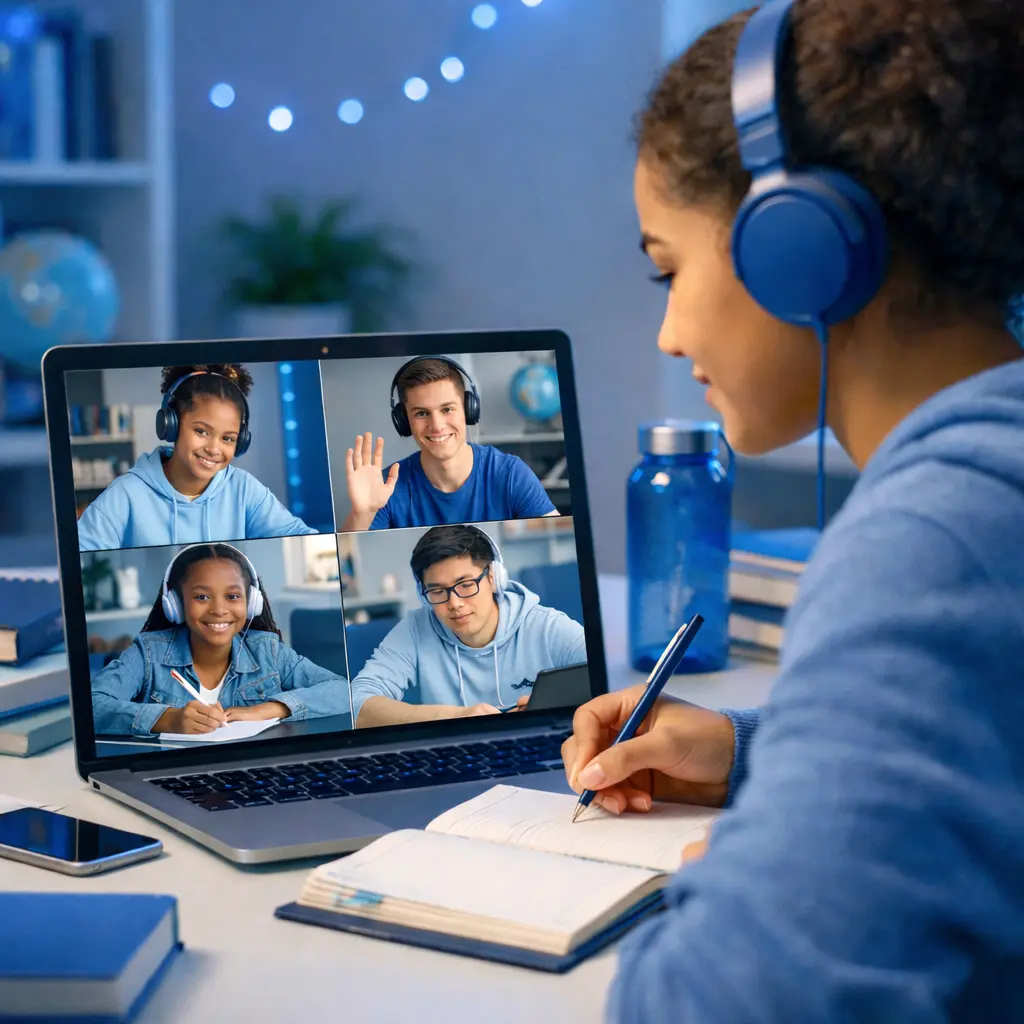


Engagement Report
98% students active
Online classes failed because teachers lost control and students lost focus.
Live Classroom brings the authority, engagement, and results of a physical classroom to your screen.
Everything for the Educator.
Tools designed to mirror the flow of a modern, engaging lesson.
Global Instruction
ExclusiveInstruct in your preferred language—students choose the version they understand best. breaking barriers.
Live Assessments
Test understanding with live quizzes, monitored to prevent cheating. No extra tabs, no distractions.
Lesson Notes
Share high-quality resources and notes instantly to all screens. Keep everyone on the same page.
Global Timers
Manage time effectively. Start synced timers for tasks or discussions that appear on every screen.
Focused Breakouts
Break students into focused, monitored groups. The teacher maintains oversight of all rooms.
AI Co-Pilot
AI-PoweredIf a student misses anything, they ask the AI instantly. Every class is recorded and searchable.
Normal Video Call vs Live Classroom
Both are online. Only one is a classroom. See exactly what sets us apart.
| Features | Normal Video Call | Live Classroom |
|---|---|---|
Real-Time Engagement MonitoringTrack who's paying attention with live engagement indicators and monitoring dashboard | ||
Live Quizzes & AssessmentsTest understanding in real-time with pre and post assessments, monitored to prevent cheating | ||
Multi-Language SupportTeachers instruct in their language while students choose their preferred learning language | ||
Instant Lesson Notes SharingShare high-quality resources and notes instantly to all student screens | ||
Countdown TimersManage time effectively with synced timers that appear on every screen | ||
Focused Breakout RoomsBreak students into monitored groups while maintaining teacher oversight | ||
Classroom Discipline ControlsApply classroom authority with mute, lock, and permission management tools | ||
Automatic Class RecordingEvery session is automatically recorded for review and catch-up | ||
AI Teaching AssistantStudents can ask AI follow-up questions if they missed anything during class | ||
Real-Time Class ReportsComprehensive session analytics with engagement metrics and actionable insights | ||
Attendance TrackingAutomated attendance with duration tracking and participation monitoring |
Real-Time Engagement Monitoring
Track who's paying attention with live engagement indicators and monitoring dashboard
Live Quizzes & Assessments
Test understanding in real-time with pre and post assessments, monitored to prevent cheating
Multi-Language Support
Teachers instruct in their language while students choose their preferred learning language
Instant Lesson Notes Sharing
Share high-quality resources and notes instantly to all student screens
Countdown Timers
Manage time effectively with synced timers that appear on every screen
Focused Breakout Rooms
Break students into monitored groups while maintaining teacher oversight
Classroom Discipline Controls
Apply classroom authority with mute, lock, and permission management tools
Automatic Class Recording
Every session is automatically recorded for review and catch-up
AI Teaching Assistant
Students can ask AI follow-up questions if they missed anything during class
Real-Time Class Reports
Comprehensive session analytics with engagement metrics and actionable insights
Attendance Tracking
Automated attendance with duration tracking and participation monitoring
A Normal Video Call Connects People.
Live Classroom Delivers Learning.
Experience the classroom—online. Real control. Real engagement. Real results.
While you teach, we watch the class for you.
Live Classroom delivers a real-time learning report automatically. Forget manual attendance—know exactly who listened.
Class Report
Mon 14 Oct • Session 42
Comprehension
A-
Attention
High
AI Insights
"Students struggled with the second half of the quiz. Suggest reviewing Mitosis."
Regain control of your digital floor.
Apply classroom discipline controls just like you would in a physical class. Mute, lock, and manage permissions with teacher authority.
Teacher Lock
Force focus instantly. Silent all distractions with one click.
Oversight
Know exactly who is distracted in real-time. No more hiding.
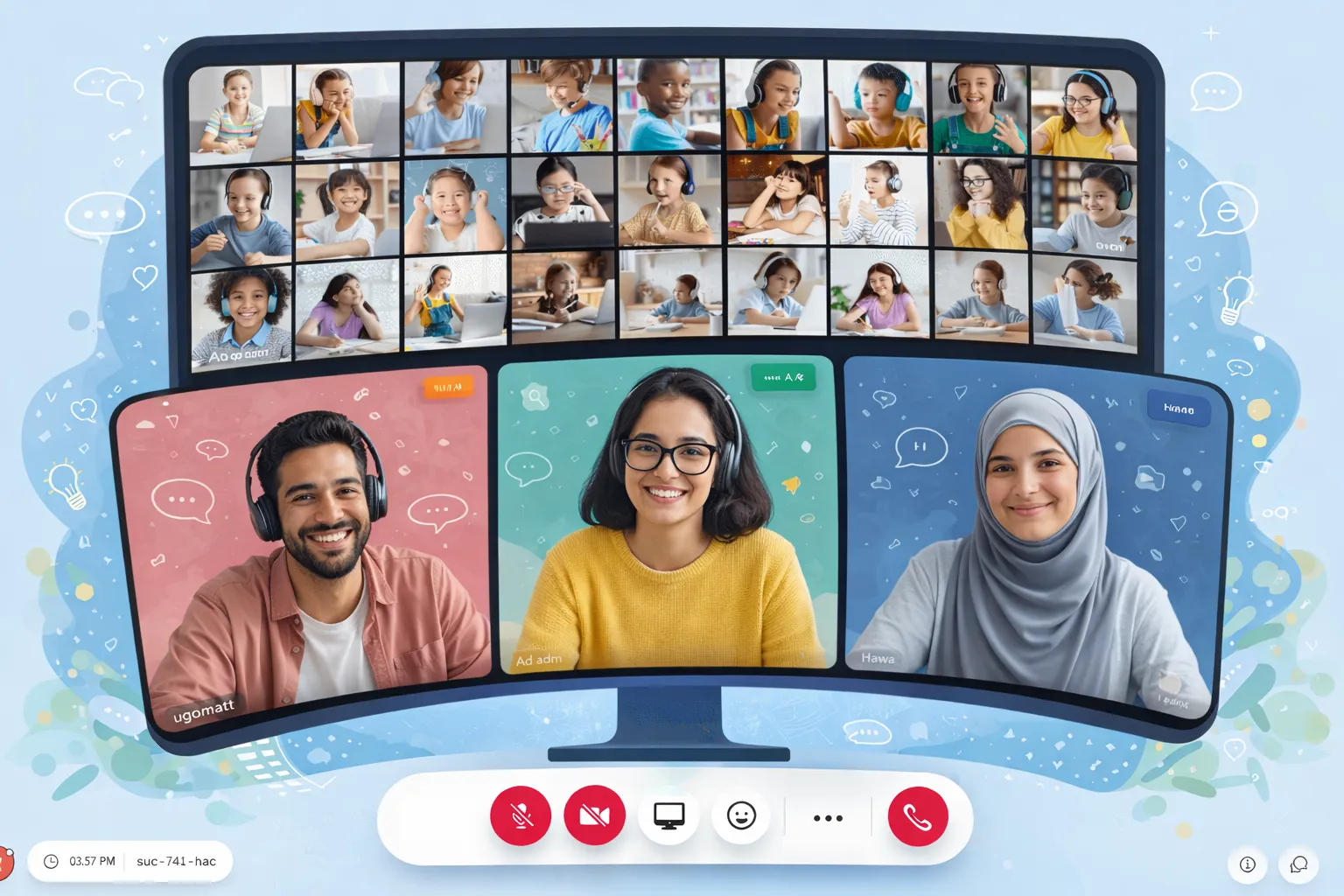
Where online learning
feels like school again.
Regain control. Engage your students. Deliver results.
Empowering 1k+ Institutions Worldwide
Common questions
Everything you need to know about joining, teaching, and getting the most out of Live Classroom.
Paste your meeting link (e.g. liveclassroom.xyz/room/...) into the join field on the homepage and click Join Now. You can also open the link directly in your browser. Teachers create sessions from the dashboard and share the link with students.
Live Classroom works in modern browsers (Chrome, Safari, Firefox, Edge) on desktop and mobile. We also offer native iOS and Android apps for a better mobile experience. We recommend a stable internet connection and enabling camera/microphone when required by your teacher.
Yes. Live Classroom includes built-in Computer-Based Testing (CBT) with anti-cheating measures: teacher lock, tab monitoring, and live assessments. You can run quizzes and exams with instant results and automated grading. Results and leaderboards are available in real time.
Teachers can start a recording from the room controls. Recordings capture the session for later review, compliance, or absent students. You’ll get a recording link after the session ends. Recording must be started by a host or teacher with the appropriate permissions.
Breakouts let you split the class into smaller groups for discussions or activities. The teacher creates rooms, assigns participants, and can hop between rooms. When time is up, everyone returns to the main session. It mirrors in-person small-group work.
Yes. Live Classroom has native apps on the App Store (iOS) and Google Play (Android). The apps support joining sessions, video, chat, breakouts, and assessments. You can also use the web app on mobile browsers.
While you teach, Live Classroom tracks engagement and attendance in real time. After the session, you can view reports on participation, comprehension scores from assessments, and AI-generated insights. Access these from your analytics dashboard after the session ends or the in-room intelligence panel.